Tattoo consent form. Tattoo waiver form. Your client signs it on their phone.
Shops call it both. Find your shop, hit the button, and yours is live, asking what your state requires.
What a tattoo consent form has to ask
The lines every consent form starts from. Your digital tattoo waiver form asks all 6, in this order:
- 1Who your client is. Name, date of birth, phone, email and street address.
- 2Photo ID, kept with the waiver. A photo of their ID, from their own phone.
- 3The health questions. Skin conditions, pregnancy, and their medical history.
- 4The work. The artist, the piece, and where it goes on the body.
- 5The consent, one line at a time. It’s permanent, the risks, and your aftercare, each one ticked.
- 6Their signature and the date. Drawn with a finger on their own phone.
Which lines each state’s rule names, all 51 in one table: What has to be on a tattoo consent form? 33 states say. Here is every line they name.
What your state adds
Your waiver form asks what your state requires. Set your shop’s state and what its rule adds to the core is on your form, with nothing to turn on. Pick a state to see it:
This summarizes public rules in plain language so you know what to look for. It is not legal advice. Your local health department has the final word.
The form on a phone
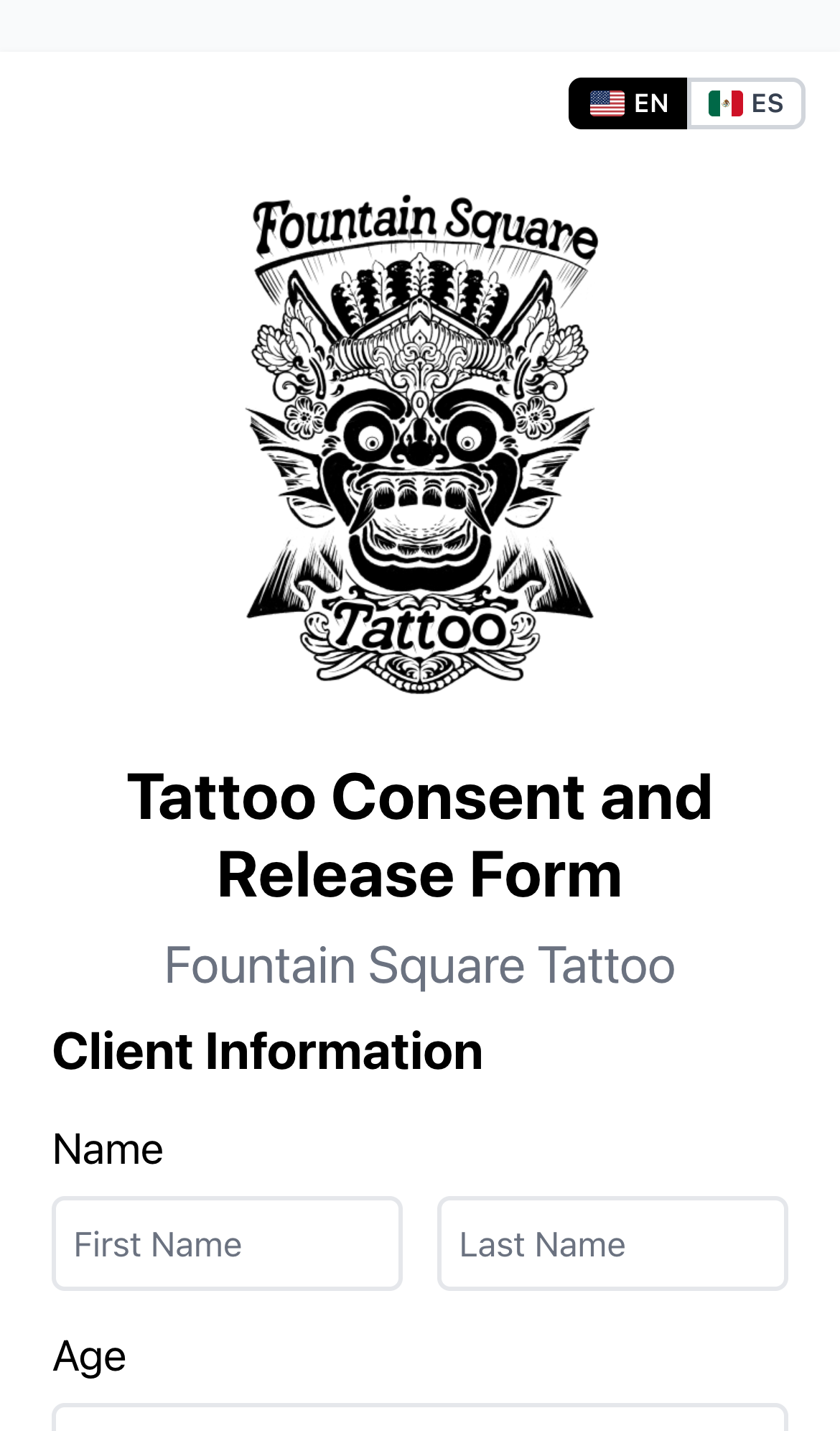
- Skip the printer. Put your QR code where your clients can see it. They scan it and sign on their own phone.
- Nothing to install. No iPad. No app. Your client’s phone is the screen.
- English and Spanish. Your client picks, and a phone set to Spanish opens in Spanish.
- Signed copy in your inbox. It comes to your email the moment they sign, and every one is in your dashboard, searchable by name.
Try 10 waivers, no card.
Then $50 a year, unlimited waivers and unlimited artists.
What a piercing consent form asks
The same core as a tattoo’s: who your client is, a photo of their ID, their health, the work, the consent and their signature. Then the lines a piercing adds, on a digital piercing waiver your client signs on their phone:
- The piercing’s own health questions. A metal allergy, a keloid or raised scar, and recent dental work for a piercing in the mouth.
- Parent consent built in. Where your state lets a parent sign for a minor and you turn it on in Settings, a client under 18 gets a parent or guardian section: their name, how they’re related, their own signature and a photo of their ID. Where your state asks for more, like the minor’s own ID or a birth certificate, the form asks for it too, and it turns away a spot your state keeps off limits for a minor.
- The ear question. Where your state’s rule for a minor leaves ear piercings out, the form asks one question under the spot, like “Is this an earlobe piercing, with no cartilage?” Where the rule leaves an ear out when it’s pierced with a stud gun, that question is yours to turn on.
- Jewelry and lot numbers. Your client picks what the jewelry is made of, or you set the one material you use, with a line for the gauge, size or brand. Turn on lot numbers and the needle’s goes on the record: a photo as your client signs, or the lot number and expiration date your piercer adds after the work.
- Tattoo and piercing forms. A shop that does both says so in Settings. Your client picks what they’re here for, and the form follows it.
Which states let a parent sign for a piercing, and on what terms: Can a minor get a piercing with parental consent? 45 states say yes, each on its own terms
Straight answers
Is a tattoo consent form the same as a tattoo waiver form?
Shops use both names for the one form a client signs before the work. Yours is titled Tattoo Consent and Release Form: the consent, and the release, in one signature.
Does it ask what my state requires?
Yes. Set your shop’s state in Settings and your waiver form asks what its rule adds, with nothing to turn on. Pick your state on this page to see the list, or open your state’s page for the rule’s own words.
Do I need an iPad?
No. Your client signs on their own phone, from your QR code. Nothing to install.
Can my clients sign in Spanish?
Yes. Spanish is on for every shop: your waiver form shows an English and Spanish switch, and a phone set to Spanish opens in Spanish. The signed copy prints what your client agreed to, in the language they read it in. You can turn Spanish off in Settings.
Is a consent form signed on a phone legal?
A signature on a phone has counted under federal law since 2000, and your state’s rule can add to that. What each state adds on top →
Can a parent sign for a minor?
Where your state allows it, yes. Turn on tattooing or piercing under 18 in Settings, and a client under 18 gets a parent or guardian section: their name, how they’re related, their own signature and a photo of their ID. Where your state asks for more, the form asks for that too.
I use paper forms now. What happens to my clients?
Reply to your welcome email with your client list, and we load it.
What does it cost?
Your first 10 waivers are free, with no card. Then $50 a year per shop, with unlimited waivers and unlimited artists.
Something else? Write to hello@waivers.tattoo. A person answers.